
01
Scripts and office workflows
Automate Excel, SAP, file conversion, document extraction, printing, emailing, and other repetitive desktop work.
 Compan-IA
Move repetitive work through your systems with less manual entry, fewer handoffs, and the right human checkpoints.
Discuss this service
Automation is most useful when it connects the full workflow—not just one isolated step. We combine conventional software, integrations, and AI where it adds value, from extracting information to generating documents and updating operational systems.
Every engagement is tailored. These examples show the range of systems and workflows that can sit inside this service category.
Automate Excel, SAP, file conversion, document extraction, printing, emailing, and other repetitive desktop work.
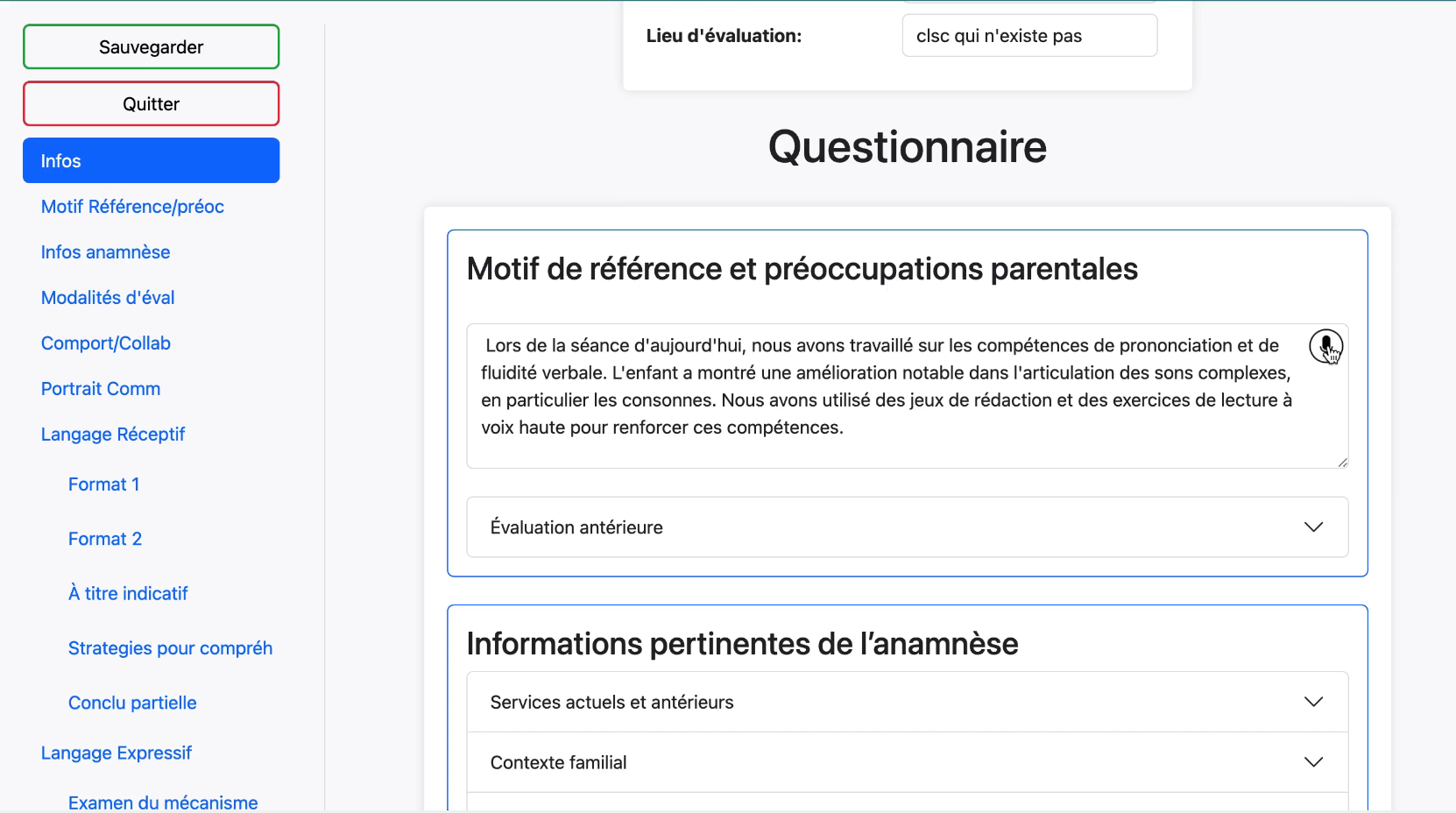
Fill structured forms faster, reduce entry errors, and generate correctly formatted reports from the completed data.
Connect PLCs, sensors, databases, and ERP systems for monitoring, control, predictive maintenance, and alerts.

Classify requests, prepare relevant answers, extract attachments, route work, and preserve an auditable review step.
Reduce time spent on repetitive tasks so the team can focus on higher-value work.
Minimize manual errors and execute recurring processes consistently.
Integrate with the systems you already depend on across desktop, web, ERP, PLC, and database environments.
Use authentication, access controls, traceability, and human review where the workflow requires them.
The exact scope changes by project, but the decision gates stay clear so you can learn before scaling the investment.